How to Take Pet Photos: A Practical Phone Guide
Last updated:
By the Get Pet Art editorial teamTake clear pet photos by choosing soft daylight, lowering the camera to eye level, and focusing on the nearer eye. Keep ears and cheek fur inside the frame, use short sessions, and reward comfortable behavior. Save the sharp original file without heavy filters for portraits and personalized gifts.
Key takeaways
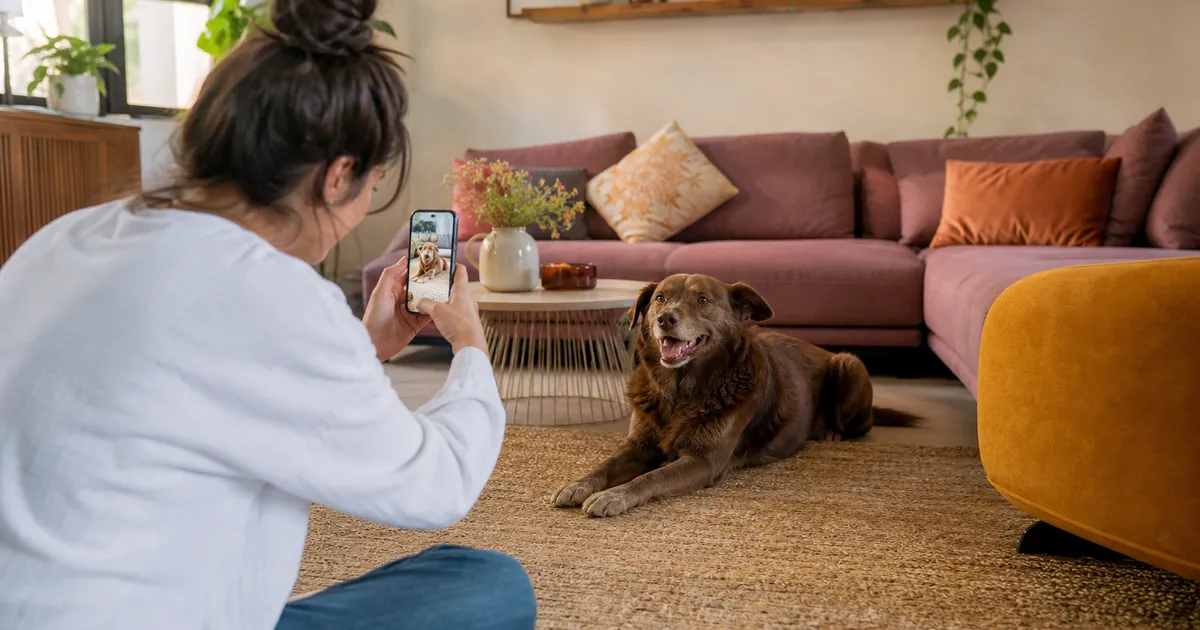
- Soft daylight reveals natural markings.
- Eye-level framing keeps facial proportions familiar.
- Short sessions protect comfort and attention.
- Original files preserve more usable detail.
Start with comfort, not a pose
A useful pet photo begins before you open the camera. Decide whether you need a clear face for a portrait, a full-body memory, or an action picture. These jobs need different distances and timing. Trying to capture all three at once usually means changing settings while your pet loses interest.
Start with whichever pet is most comfortable and photograph one animal at a time. A dog might settle beside a familiar chair; a cat may prefer their usual perch. Build the setup around that choice instead of carrying the animal into an unfamiliar scene.
Keep the session short enough that your pet can leave while still comfortable. Avoid restraining the head, withholding water, or repeatedly startling the animal for an alert expression. If you notice avoidance or tension, put the phone away. A familiar expression is more valuable than perfectly upright ears.
Find soft light that shows real markings
Turn off nearby lamps if their color differs from the daylight. Mixed orange and blue light can make cream fur look yellow and gray fur appear blue. Stand near a window and look at the light on the face before looking at the screen. You want visible detail on both sides, not one bright cheek and one hidden eye.
Place yourself with the window behind you or slightly to your side. Keep your pet a comfortable distance from the glass, away from direct sun. Outdoors, look for open shade with a view of the bright sky. Avoid patches of sunlight coming through leaves; those spots can resemble markings that are not actually there.
A dog in a sunny yard may squint or pant, even when the background looks beautiful. Move into open shade and give them time to relax. Keep any leash attached where needed, and never trade a secure location for a cleaner background.
Set up the phone before asking for attention
Clean the lens with a suitable soft cloth. Fingerprints create a hazy veil that can look like missed focus, especially near a bright window. Use the main rear camera when practical, and start at its normal view. Move your feet rather than stretching the picture with digital zoom.
Turn off beauty effects and heavy filters. Tap your pet’s nearer eye to set focus; on many phones you can then adjust brightness beside the focus point. Make small changes and inspect the fur. The goal is visible detail, not a dramatic silhouette or an unnaturally bright face.
Burst controls vary by phone, so practice on an empty chair first. For moving pets, a brief burst gives you several eye positions to compare. If your camera offers exposure lock, use it only while the pet stays in roughly the same light; unlock it when the scene changes.
| Photo goal | Useful starting choice | What to inspect |
|---|---|---|
| Portrait reference | Main camera, ordinary photo mode | Sharp eyes and complete ears |
| Gentle movement | Short burst in bright shade | One frame without facial blur |
| Environmental memory | Step back and include surroundings | Recognizable face and safe setting |
| Soft background effect | Try portrait mode as an extra | Missing whiskers or blurred ear edges |
Lower the camera and leave breathing room
Bring the lens to eye level, not merely the phone screen. Crouch, sit on the floor, or rest your elbows on your knees. Photographing from standing height can exaggerate the top of a small animal’s head and hide the chest. Eye-level framing makes the expression easier to recognize.
Leave space around both ears, fluffy cheeks, and the bottom of the chin. A tight crop may look striking on a phone but leaves fewer choices when the picture becomes a portrait or gift. Take one close head-and-chest frame and one slightly wider version without changing the expression you are trying to preserve.
For a dog, keep the nose far enough from the lens that it does not dominate the frame. Long-muzzled dogs benefit from a modest step back. Check that floppy ears are not folded beneath a collar or hidden behind a hand.
Scan the background edges before taking another picture. A chair leg that appears to grow from an ear distracts from the face. Move sideways a few inches, keep the pet still if they are comfortable, and compare. Small camera movements often solve clutter without rearranging the room.
Invite attention without creating stress
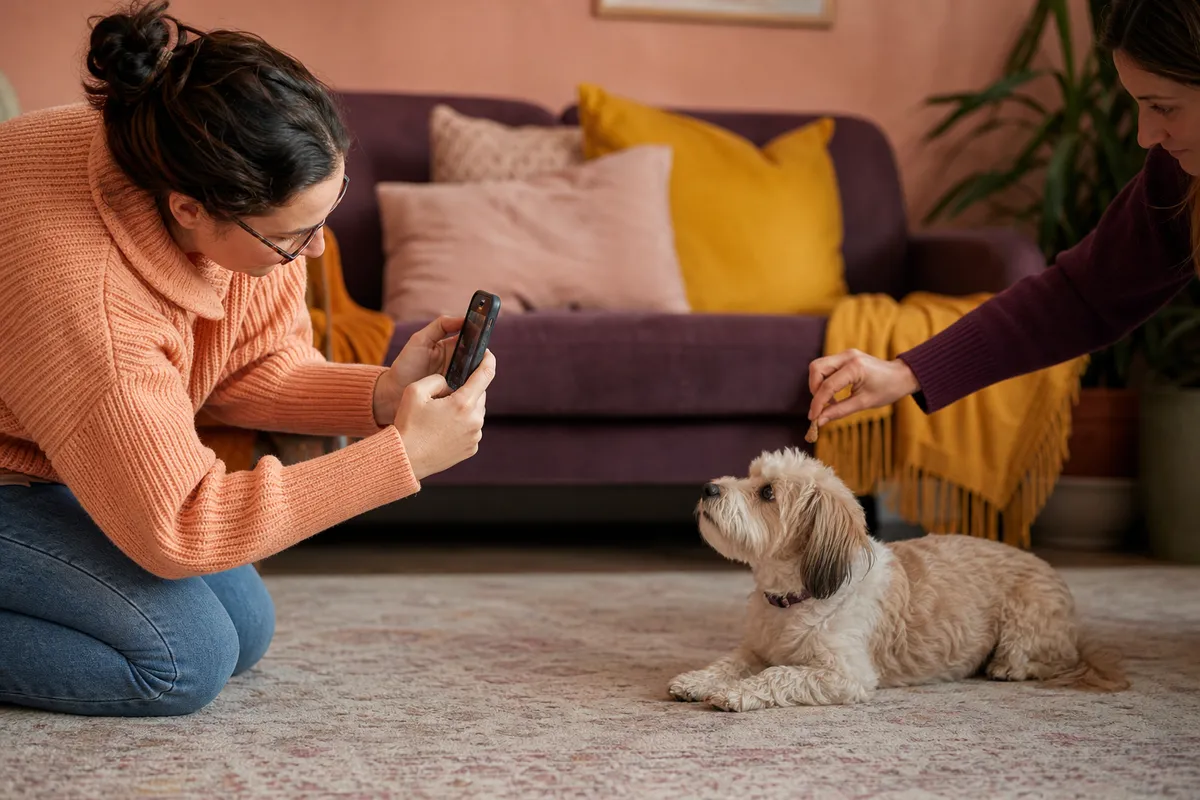
Use the reward your pet already enjoys: a calm voice, a familiar toy, or an appropriate treat. Keep it close to the lens so the eyes point toward the camera. Give the reward promptly rather than making the animal wait through repeated camera adjustments.
Try a quiet name call once, then allow silence. Loud squeakers and repeated strange noises can produce a startled face rather than a characteristic expression. Some pets look best when watching a familiar person beside the camera instead of looking directly into the lens.
Keep food rewards appropriate for your individual pet, especially if they have dietary restrictions. For general welfare information, consult the ASPCA’s pet care resources. If a pose requires discomfort or an unsafe surface, change the photograph rather than asking the pet to tolerate it.
Troubleshoot the photograph, one change at a time
Sharp furniture, blurry face
The camera may have focused behind the pet, or the animal moved during exposure. Tap the eye again and move to brighter, indirect light. Stabilize your elbows, then make a short burst. Brightening the room helps more than asking a moving pet to remain perfectly still in darkness.
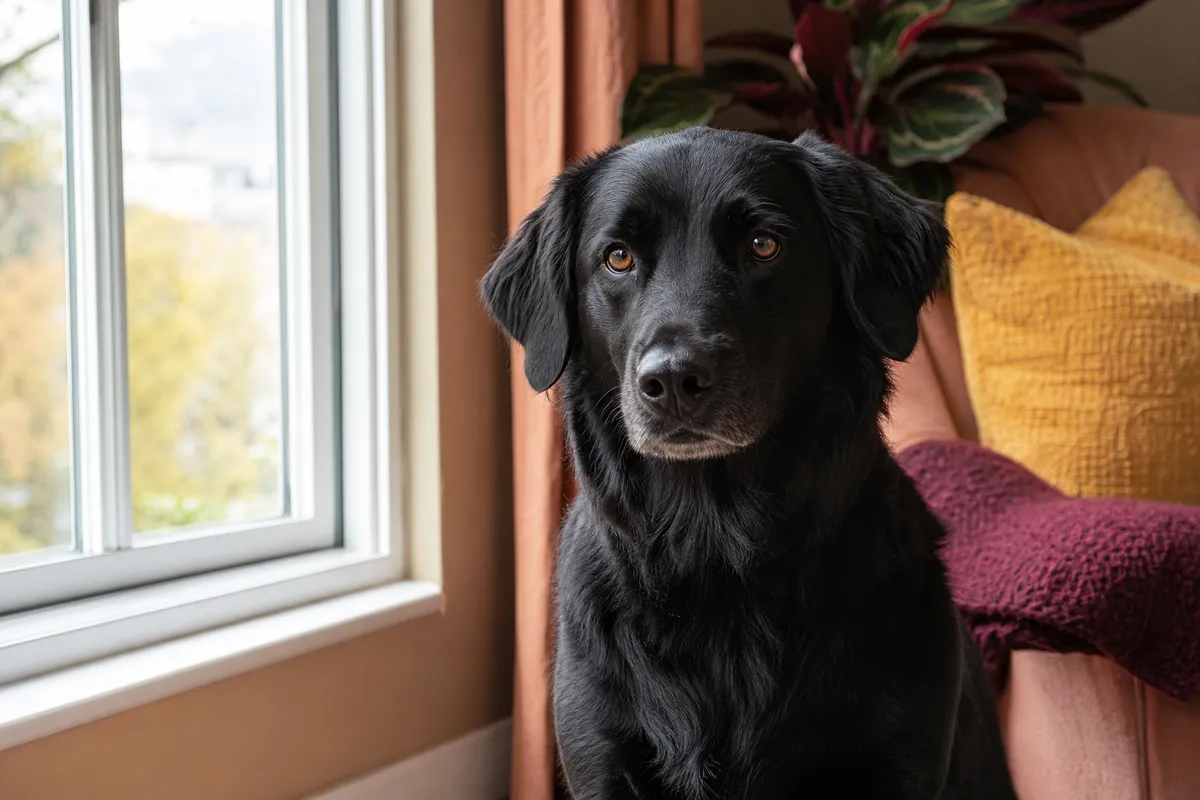
Black fur looks like a silhouette
Move so the face receives more soft light, with a simple medium-toned background behind it. Increase exposure slightly only if necessary, checking whether the fur still has texture. A bright window directly behind a dark pet often creates more trouble than a modestly lit wall.
White fur loses detail
Reduce exposure a little until you can distinguish the direction of the fur. Do not darken the picture so much that the eyes disappear. Move away from direct sunlight first; a different light angle often preserves pale fur without requiring extreme camera adjustments.
The nose is clear but the eyes are soft
Move back slightly and refocus on the nearer eye. Extreme close-ups and strong background-blur effects can leave too little of the face sharp. Ordinary photo mode is often a better source for a portrait than a dramatic effect with only the nose in focus.
Use a simple three-pass session
First, take an easy reference picture with no expectation of a special expression. This tests your light, background, and camera distance. Enlarge it immediately to inspect the eyes. If that first picture is soft, fix the setup before adding toys, treats, or a helper.
Second, make a small set of close portraits. Keep your position stable and wait for natural changes: ears relaxing, a head turn, or a glance at your helper. A few distinct expressions are more useful than dozens of nearly identical pictures taken while the pet becomes increasingly impatient.
Third, step back for context if your pet remains interested. Include the favorite chair, a safe patch of garden, or the familiar blanket. Save that wider memory separately from your clearest face reference. End the session with normal affection or play, not another round of positioning.
Review only after the pet is free to leave. Mark a small shortlist rather than deleting every imperfect frame immediately. A slightly off-center composition may contain the expression you love most; a technically neat frame is not automatically the most meaningful one.
Choose the file that will work beyond your screen
Compare your finalists at a similar enlarged size. Look at the eyes, nose edge, and individual markings rather than the background. Choose the sharp original image, not a screenshot of your gallery or a copy saved from a tiny message preview. Keep an untouched original before making any edits.
- Both eyes are visible where the pose allows, and the nearer eye is sharp.
- Ear tips, cheek fur, and chin have room around them.
- Natural fur colors remain visible without heavy filters.
- No toy, hand, or costume blocks the face.
- The original file is saved and easy to find.
- Each pet has a separate clear reference photo.
For a spare, uncluttered composition, compare the modern pet portrait with the watercolor pet portrait. A playful royal pet portrait still needs the same clear facial details. A themed style does not make a blurry reference easier to recognize.
If the photo will become a practical gift, keep a wider original for a personalized pet mug rather than saving only a very tight face crop. Follow the same eye-level, daylight principles in our portrait photo reference guide.
Adapt the method to your own pet
This broad workflow works best when you adjust the timing to the animal. Our guide to taking clear pictures of your dog develops reward placement and safe movement shots; our guide to photographing your cat in window light focuses on quiet observation and familiar perches.
For additional dog handling and training background, browse AKC expert advice. Keep photography separate from medical decisions: unusual reluctance to move or a sudden behavior change deserves appropriate professional attention, not more persistent posing.
You do not need a studio, special costume, or expensive lens to document a familiar face. Repeat the same comfortable setup on another day if needed. Consistent soft light and a relaxed animal give you a much better foundation than chasing a perfect photograph through an exhausting session.
Keep a repeatable setup for next time
Note the window, time of day, and camera position that worked. On another day, begin there instead of experimenting from scratch. A repeatable setup lets you notice small changes in expression while keeping the practical decisions simple and the session comfortable.
Frequently asked questions
Can I take good pet photos with a phone?
Yes. A phone can provide a clear portrait reference when you use soft daylight, clean the lens, and focus on the eyes. Begin with the main camera in ordinary photo mode. Move yourself into a useful position instead of relying on digital zoom, and keep the original file.
What is the best light for pet photography?
Soft window light or open outdoor shade is a practical starting point. Look for visible detail on both sides of the face and avoid direct midday sun. Turn off lamps that add a different color, and move the camera so a bright window is not directly behind your pet.
How do I stop blurry pet pictures?
Add more indirect light, support your elbows, and tap the nearer eye to focus. Take a short burst when your pet pauses naturally. Check an enlarged frame before continuing. If furniture is sharp but the face is not, change focus or timing rather than applying extra sharpening afterward.
Should I use portrait mode for my pet?
Try it as an extra, but keep an ordinary photo too. Background-blur effects can mistakenly soften whiskers, ear tips, or curly fur. Inspect the edges before choosing a file. A portrait reference benefits more from accurate facial detail than from an especially dramatic blurred background.
What photo works best for a custom pet portrait?
Choose a sharp head-and-chest picture at eye level, with natural markings visible and complete ears in the frame. Avoid heavy filters, blocked faces, and tiny screenshots. For several pets, keep a separate clear photo of each one rather than relying on a crowded group picture.
Sources
Pet portrait tips and gift reminders
Occasional emails with photo tips, new styles and holiday order reminders.